
 Write and draw
 Capture meetings
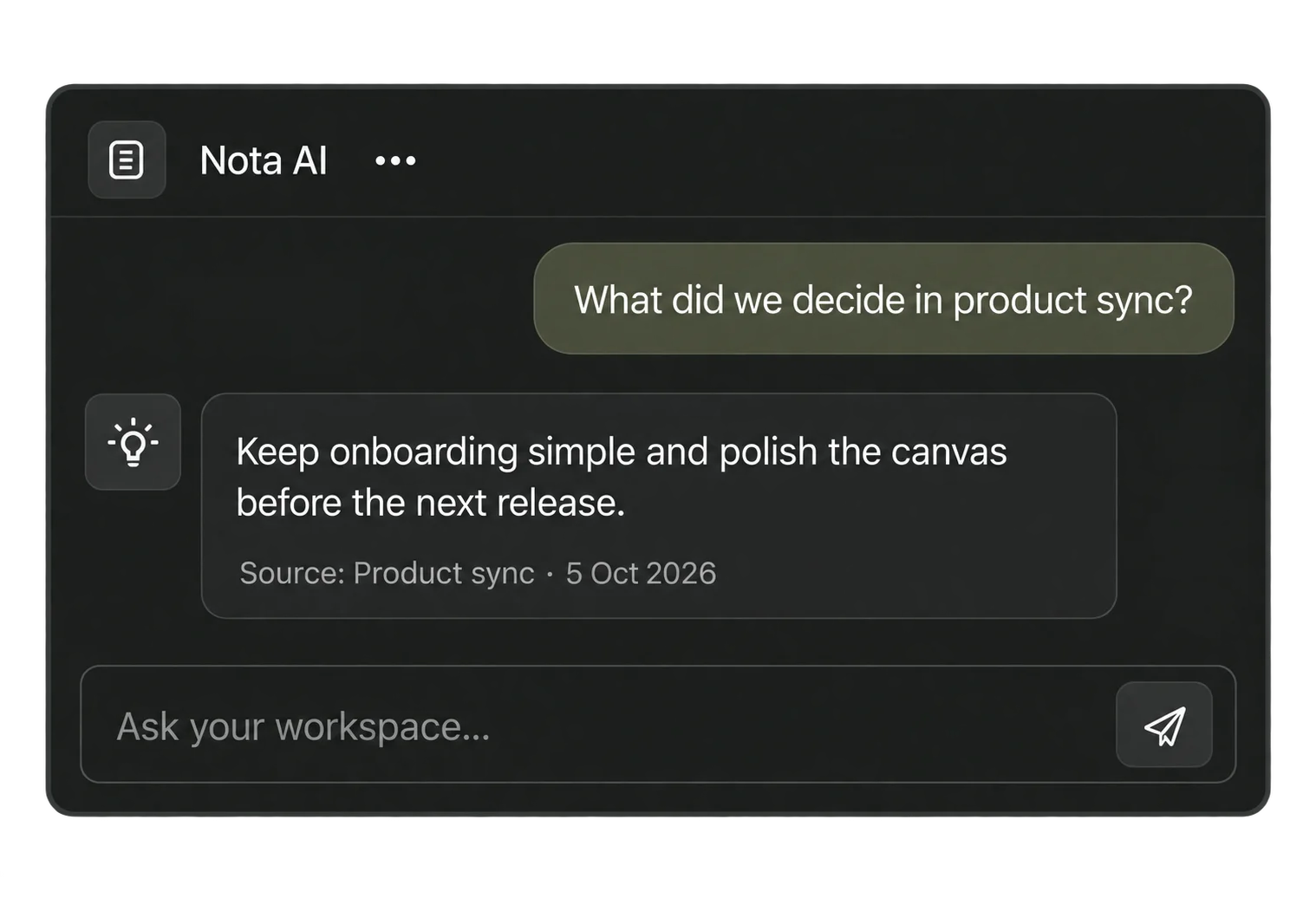
 Ask your workspace
Meeting capture
Ready
Product sync
“Let’s keep the decision next to the conversation, so we can return to the source later.”
 Nota
Download for Mac
Nota
Download for Mac
Write, sketch, capture conversations, and find answers
with local AI. One workspace on your device.
Mac only for now. Public installers aren’t available yet.
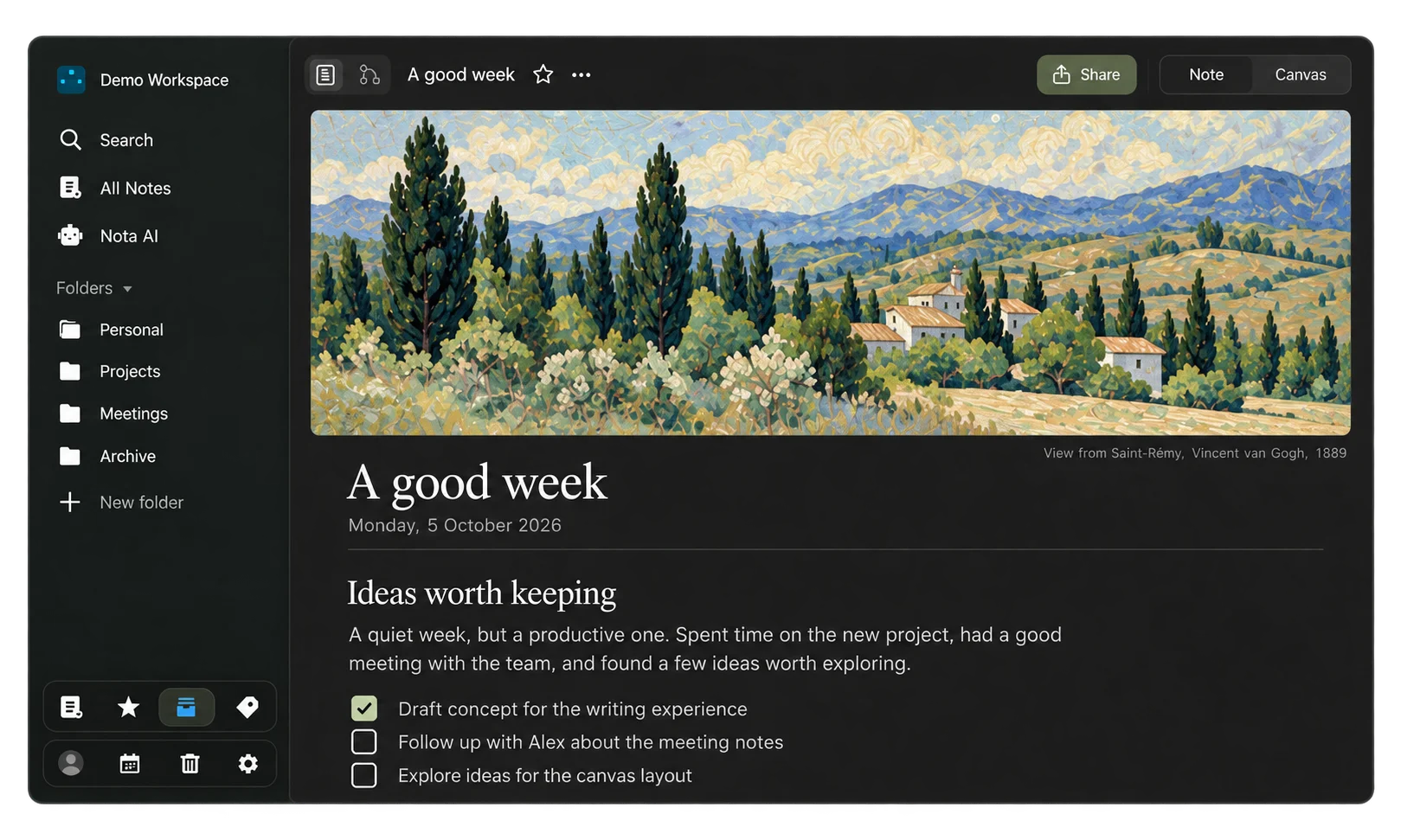
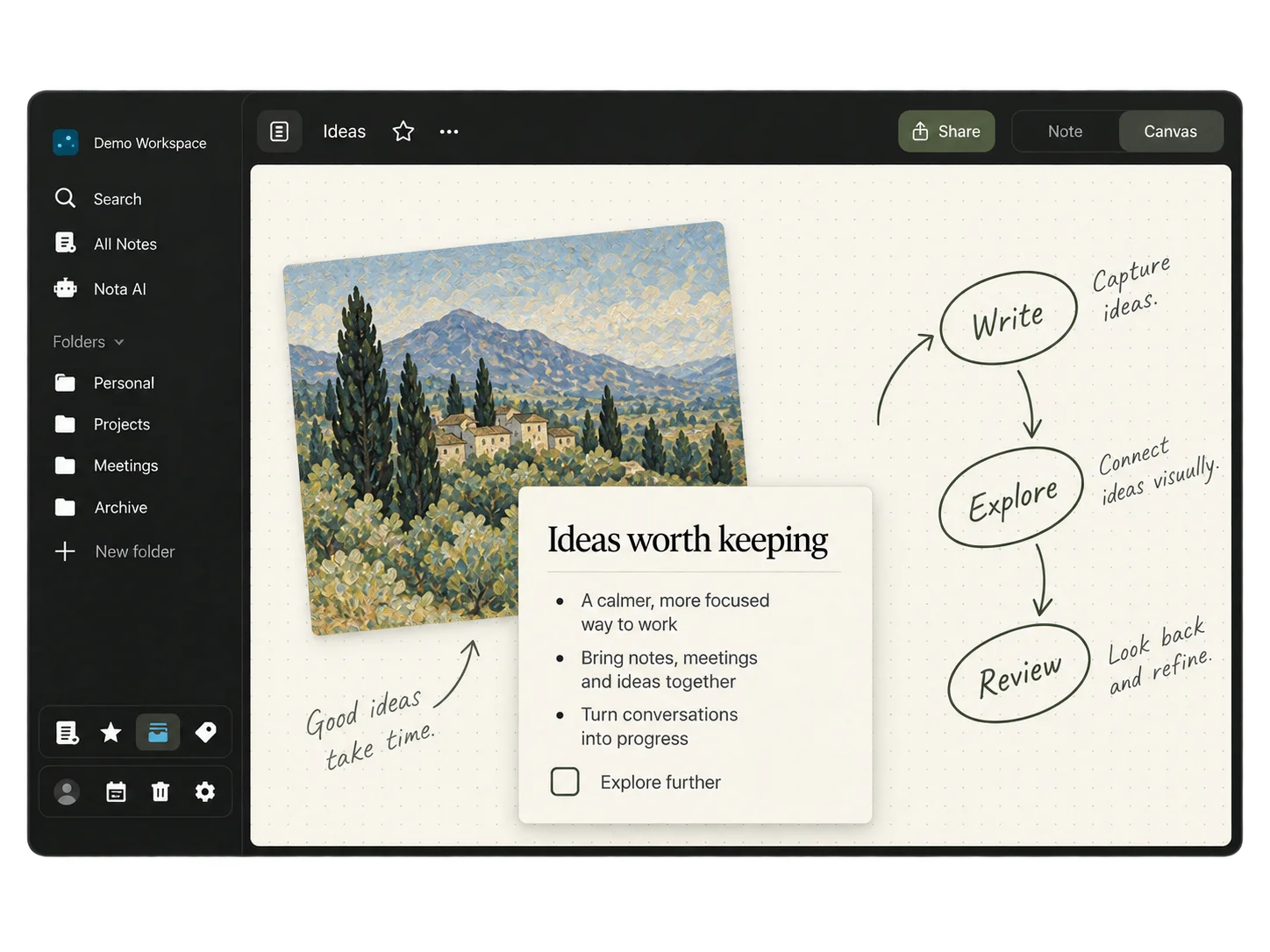
Notes & canvas
Write a page. Sketch a connection. Move between notes and canvas without moving your ideas elsewhere.
Meetings
Capture audio locally, follow the transcript, and turn
the conversation into editable notes.
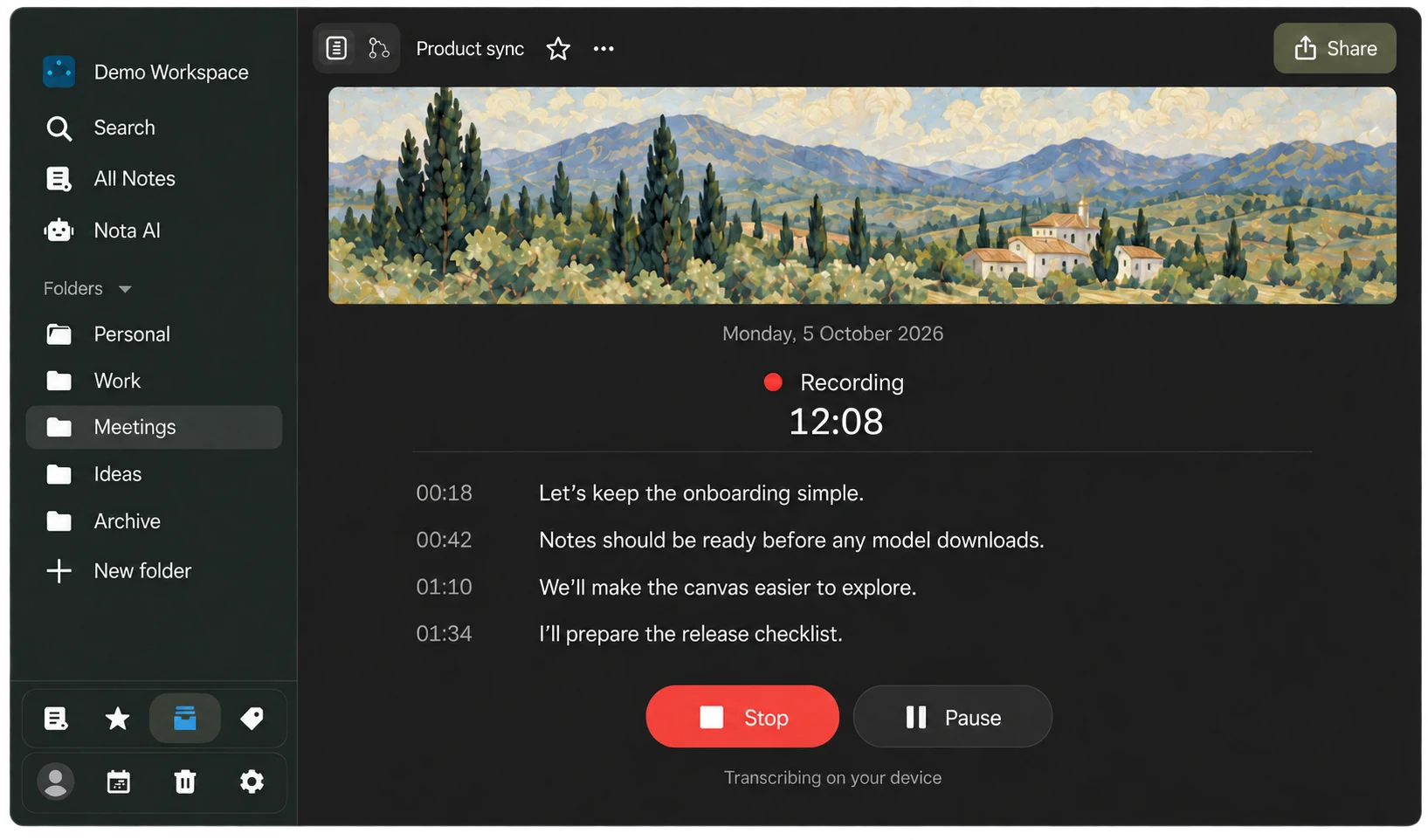
Keep the transcript, summary, decisions, and next steps in your workspace.
Recording requires permissions and model setup.
A block for the conversation
Drop a capture card beside your notes. The recording, transcript, decisions, and next steps stay together on your canvas.
“Let’s keep the decision next to the conversation, so we can return to the source later.”
Keep the first-run setup focused on Mac.
From 00:18Build the capture block into the workspace canvas.
Open in notesDemo preview. The Mac app asks for Microphone and Screen Recording permission before a real capture.
Nota AI
Find answers across your workspace, with sources you can return to.
Local AI after model setup. Your own cloud provider keys, only if you choose.
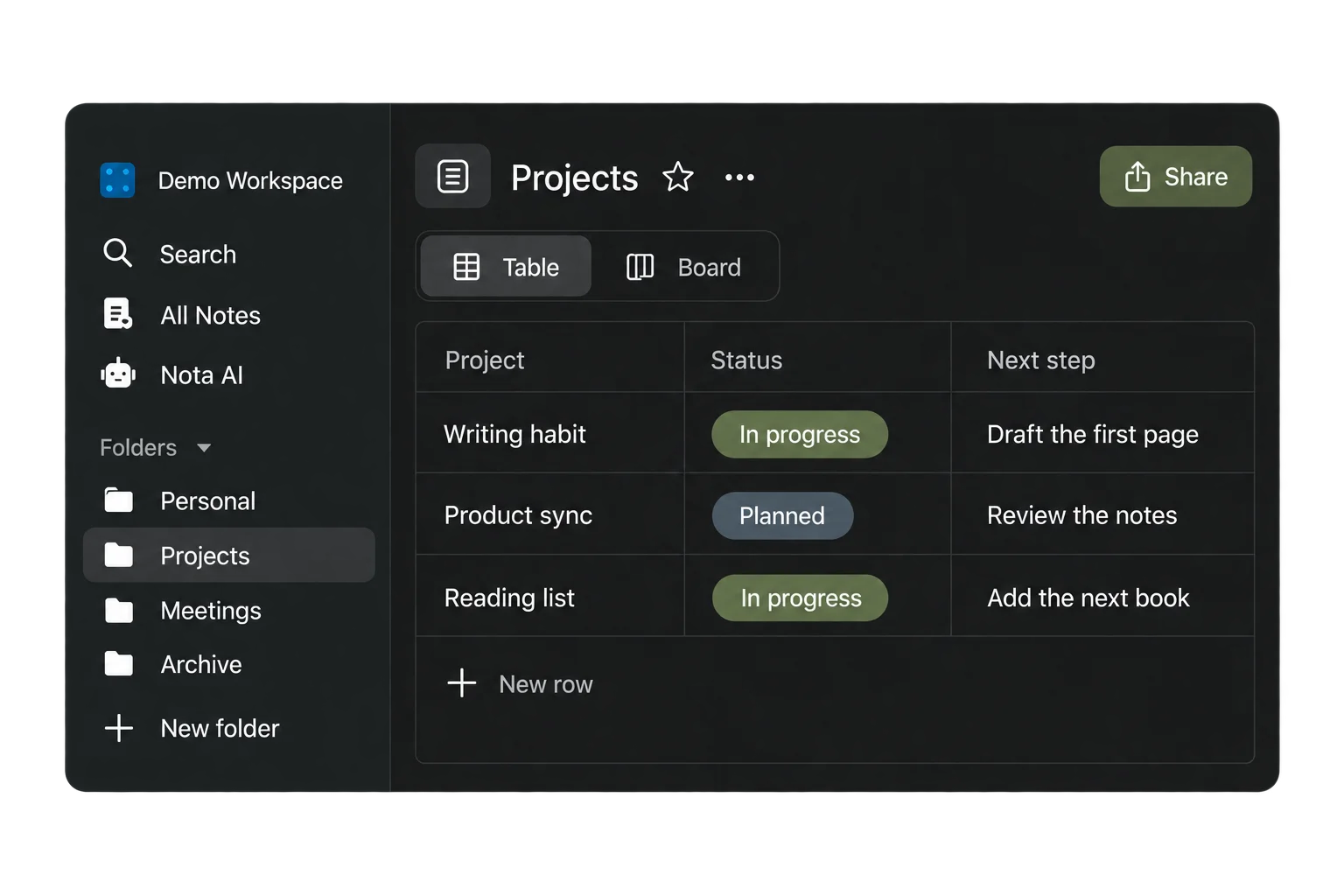
A little structure
Organize pages in folders. Turn plans into collections, tables, and boards.

Your notes and meeting content stay in your local workspace. No account needed to start.

Optional sync in your own Google Drive. Connect only when you want it.

Import notes from Markdown, Notion, and CSV. Export your work when you want to take it elsewhere.

Notes work offline. Local AI works after you install its models. Initial model downloads need an internet connection.
No. Google connection is optional for Drive sync.
Yes. Use your own provider keys when you choose. Hosted providers need internet access and receive the context you send them.
Nota currently supports Mac only. Public installers aren’t published yet. Check GitHub Releases for Mac installer updates.
Notes, canvas, meetings, and local AI. Together in Nota.
Download for MacMac only for now. Public installers aren’t available yet.